Templates
AI
Recommend
hotbox
Trial
userIcon
languageEnglish

Minimalist Annual Report Template

Minimalist Annual Report Template PowerPoint template preview 1template_next
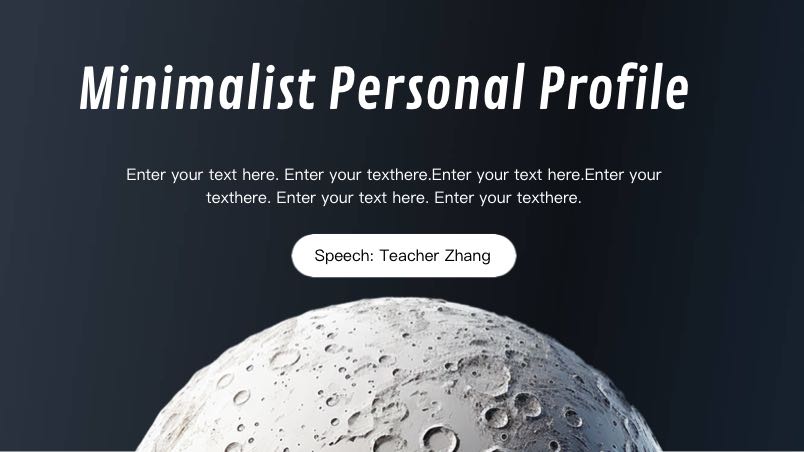
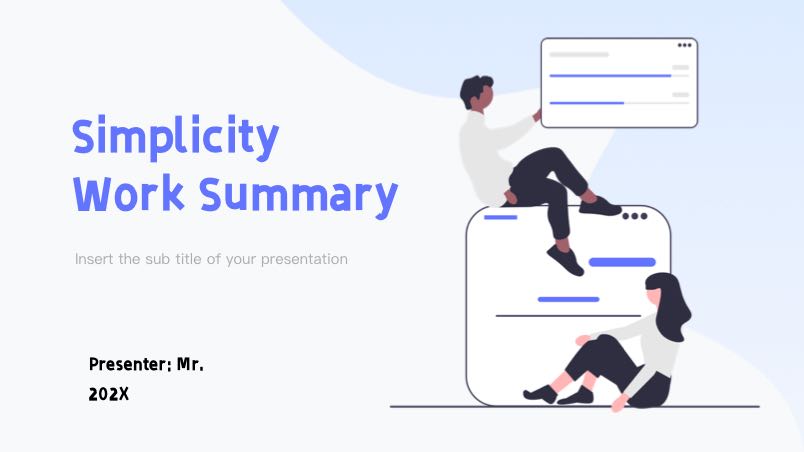
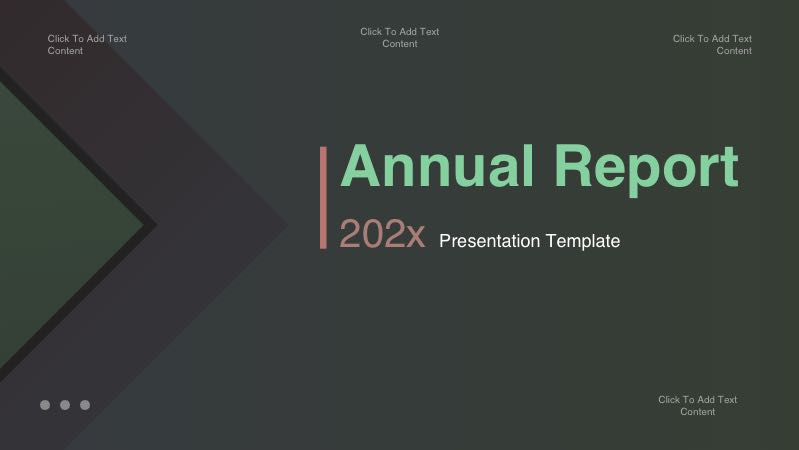
Minimalist Annual Report Template PowerPoint template preview 1
Minimalist Annual Report Template PowerPoint template preview 2
Minimalist Annual Report Template PowerPoint template preview 3
Minimalist Annual Report Template PowerPoint template preview 4
Minimalist Annual Report Template PowerPoint template preview 5
Minimalist Annual Report Template PowerPoint template preview 6
Minimalist Annual Report Template PowerPoint template preview 7
Minimalist Annual Report Template PowerPoint template preview 8
Minimalist Annual Report Template PowerPoint template preview 9
Minimalist Annual Report Template PowerPoint template preview 10
Minimalist Annual Report Template PowerPoint template preview 11
Minimalist Annual Report Template PowerPoint template preview 12
ishoverShare
ishoverPlayback
DownloadisShowDownload

Template Info

Purpose:Suitable for annual reports, year-end reviews, and investor presentations in corporate settings

Scenario:Annual report, year-end summary, corporate presentation

Color Style:Dark blue gradient with glowing lines and minimalist elements

Format: PPTX

Pages: 12 pages

Aspect Ratio: 16:9

Minimalist Annual Report Template PowerPoint template

Clean annual report PPT template with dark blue gradient and glowing grid lines, perfect for corporate year-end summaries, investor updates, and performance reviews. Fully editable slides with one-click color change. Download now to present your data professionally.

Minimalist Annual Report Template is suitable for Suitable for annual reports, year-end reviews, and investor presentations in corporate settings.

Recommended presentation scenarios include Annual report, year-end summary, corporate presentation.

The visual direction uses Dark blue gradient with glowing lines and minimalist elements, with editable layouts for text, images and charts.

How to use this template

  1. Preview the slides and choose the layout that fits your presentation.
  2. Replace the sample text, images and data with your own content.
  3. Edit the deck online or download it for PowerPoint and Google Slides.

High-Quality Templates

Professionally designed and fully editable

Structured Content

Clear layouts for learning and presentations

Work More Efficiently

Download and use instantly